We Tested the Amazfit Active 3 Premium: Here’s Why New Runners Should Pay Attention
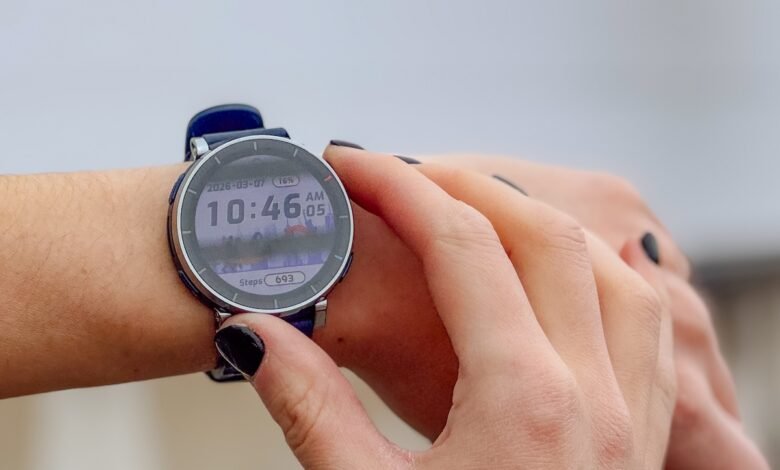
The Amazfit Active 3 Premium promises to deliver premium fitness tracker features at an affordable price, aiming squarely at the beginner and aspiring runner with a price tag under $170.
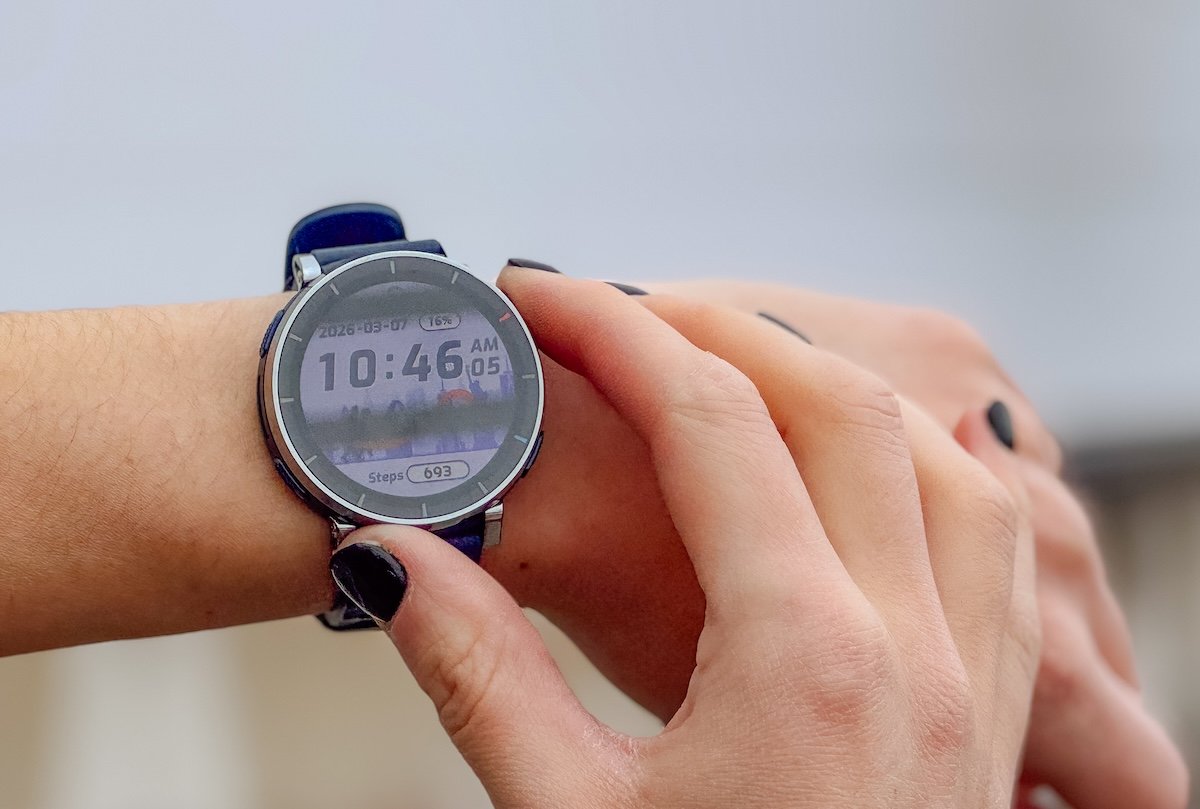 If you haven’t heard of Amazfit yet, you will. They’ve been barreling on to the GPS watch scene the last few years with watches that are getting some serious attention for the features without the cost. And that is their entire goal. The brand is built around a long time health brand called Zep, so they actually aren’t new to fitness or tracking, just getting recognized by runners.
You can use one of Amazfit’s programmed run courses, track your sleep, and mirror your phone notifications similar to other smartwatches. The similarity of watches is often the most confusing part of buying now, so we will give you some comparisons below, especially if you’re used to Apple watch.
It’s extremely comfortable to wear both while working out and while sleeping. This watch is jam packed with built in workouts and is ready to give the user accurate feedback both from their workouts and their rest.
They’ve made some really great improvements from the Active 2 that have us more excited for this model.
- Novice Runners – or those looking to incorporate a smartwatch into their training
- Current Garmin or Apple Users – You’ll find some of the same basic features.
- Daily Usage – It monitors most useful daily health features, and allows notifications from your phone
- Value for Price – When compared to other watches with price tags nearing $1000, absolutely, yes!
Amazfit is making high end watches for a price point that makes running feel more inclusive. While we don’t love all the interface options yet, we do think they’re proving quality doesn’t need to cost thousands.
Amazfit Active 3 Premium Review
This is a running watch with all the basic features you’d expect like pace, cadence, workouts, HR Zones, sleep tracking alongside the smartwatch features so many of us rely on, PLUS a host of high end features that other brands aren’t providing in an entry level price point.
I was happily surprised at the comfort of the watch band. My wrist can be easily annoyed by metal buckle hardware, but this one was very easy to wear and even comfortable to sleep in.
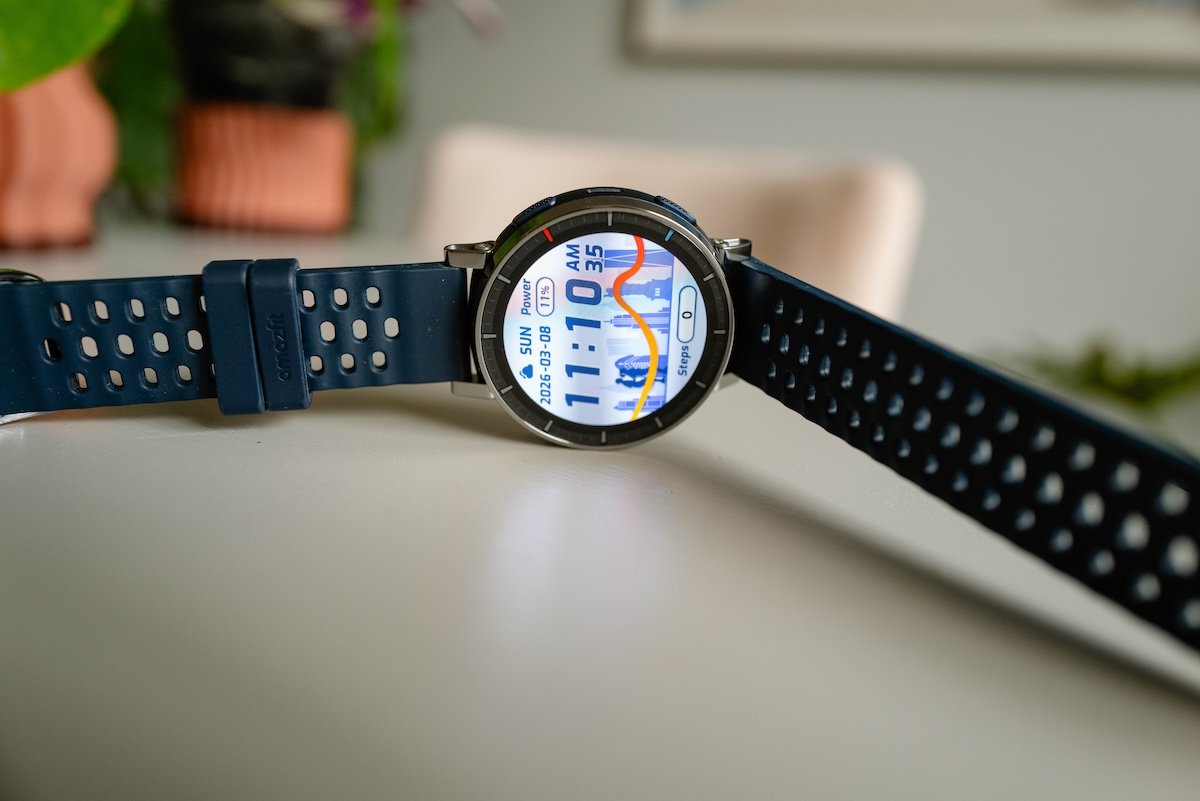 I’ve been unable to tolerate sleeping in a watch before and was pleasantly surprised at how comfortable this was to sleep in.
The screen is made of scratch-resistant sapphire glass which is easy to see in direct sunlight.
I didn’t test it in rain or snow but found that the brightness adapted appropriately to indoor lighting as well. I felt the size complimented my smaller wrist and felt lightweight when running and lifting.
I’m very used to the Apple Watch shape so it took me a bit to get used to a circular watch face again but I really liked how it fit my wrist.
There are four navigation buttons which took me some trial and error to get used to, but for Garmin users this makes it a very easy switch over. We did a complete Amazfit vs Garmin breakdown for those considering a switch.
As a 10+year Apple Watch user, I was really hoping for a basic forced tutorial on the watch for each button’s use both during normal use and when in workout modes.
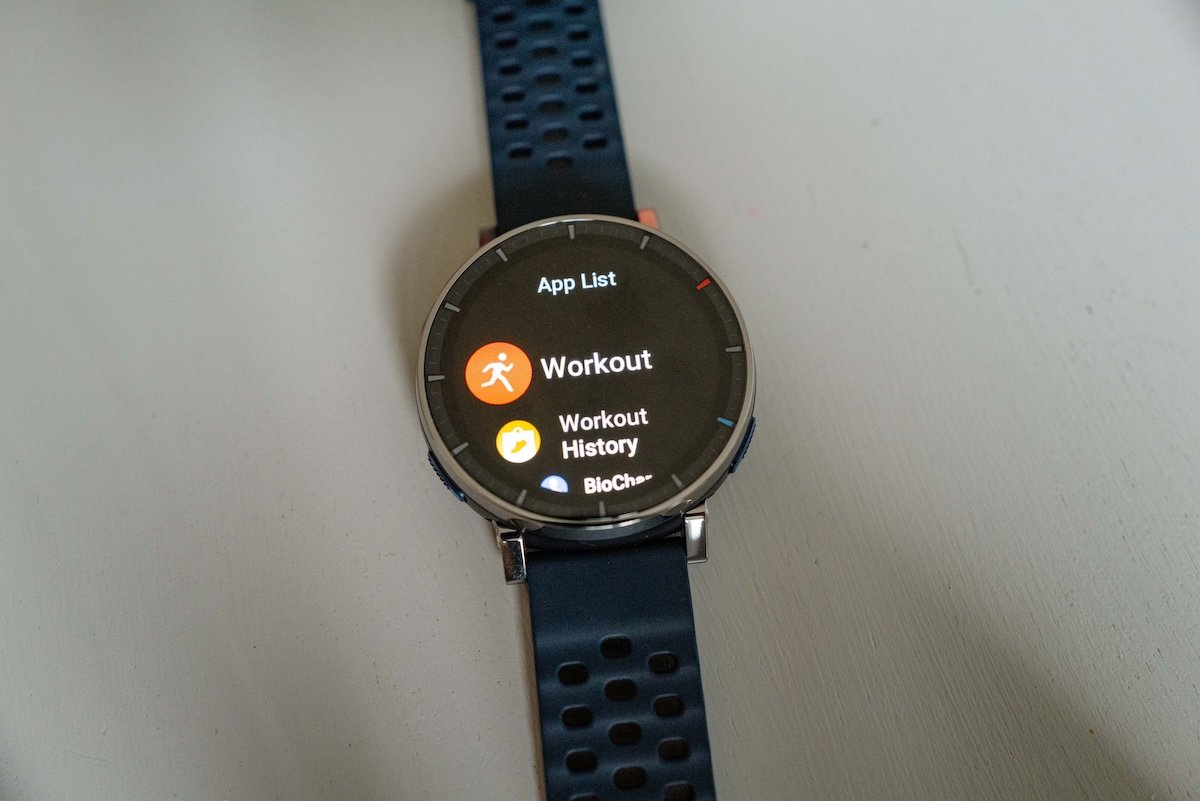 This tutorial doesn’t exist, so it took me a day to get used to the button functions. This usage felt a bit complex and not intuitive to me, and I would find myself making the same mistakes when trying to move through the software.
Other Amazfit watches we’ve reviewed have run into this issue as well.
It’s likely because they are newer, they don’t have the resource library volume that other brands do. We hope this is resolved though because just being able to find a quick answer would probably resolve a ton of frustrations and make the watches a bigger hit.
Amazfit Active 3 Premium Specifications
- Size: 45mm
- Weight: 38g
- Satelite Connection: 5 satellite positioning systems
- Waterproof Rating: 5 ATM
- Navigation: Live broadcast of turn directions
- Touchscreen: Sapphire glass touchscreen with 466 x 466 resolution
- Battery: Typical use up to 12 days, heavy use up to 7 days
- 170+ sport modes including Smart Recognition of 25 strength training movements and 8 sports movements
- 3 colors available
- Available on us.amazfit.com for $169.99
Activity Tracking and Navigation
I enjoyed the multitude of different activities that are able to be tracked! I mostly used the track run, indoor run, outdoor run, strength train, and cycle features.
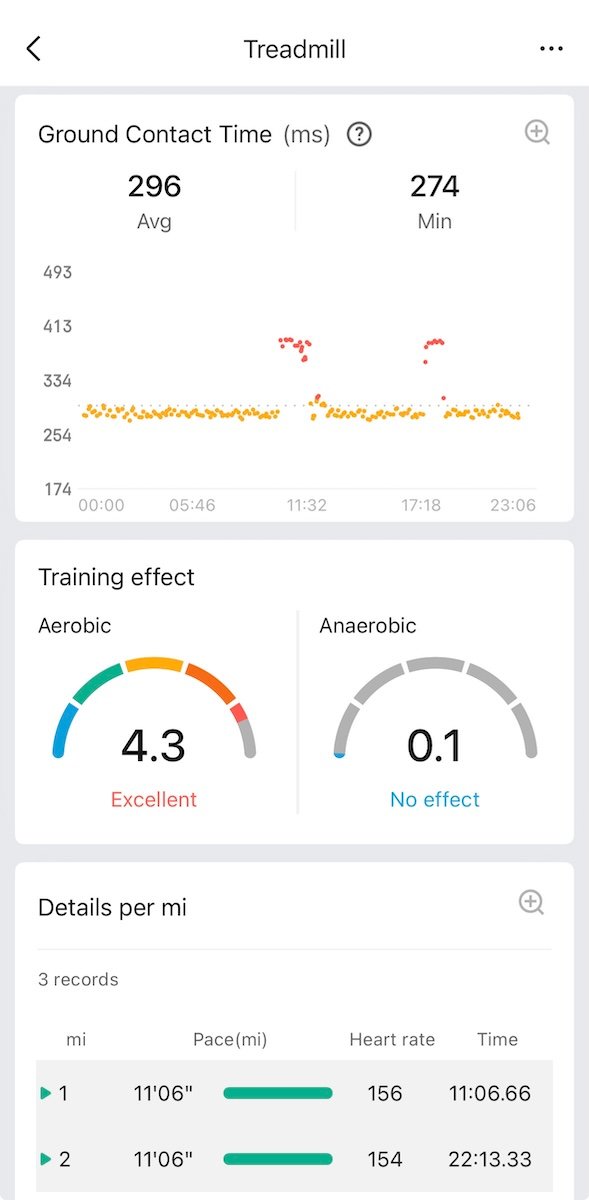
The software built into the watch is able to give some feedback for the user’s power, lactate threshold, posture, and ground contact balance. I don’t have an opinion on the accuracy of these features, but do like that they are an option for the user!
The watch has 4GB of storage for routes that you can program on the Zepp app.
It will also allow you to be notified of points of interest while on one of your routes. I only ran on an indoor track and on a treadmill with this watch so I didn’t get a chance to try this feature.
The watch and Zepp app also come with some pre-programmed workouts that range from beginner to marathon and include Fartleks and aerobic foundations.
I am used to being able to program my own workouts but this is not an option with the Amazfit Active 3 Premium. It’s much more suited to someone trying out running workouts for the first time and would be very easy for the user to select and use one of their pre-programmed options.
Heart Rate Tracking
I wore the Amazfit Active 3 Premium along with my Apple Watch for a run, a lift, and a spin workout and found the heart rate tracking to be extremely similar between the two.
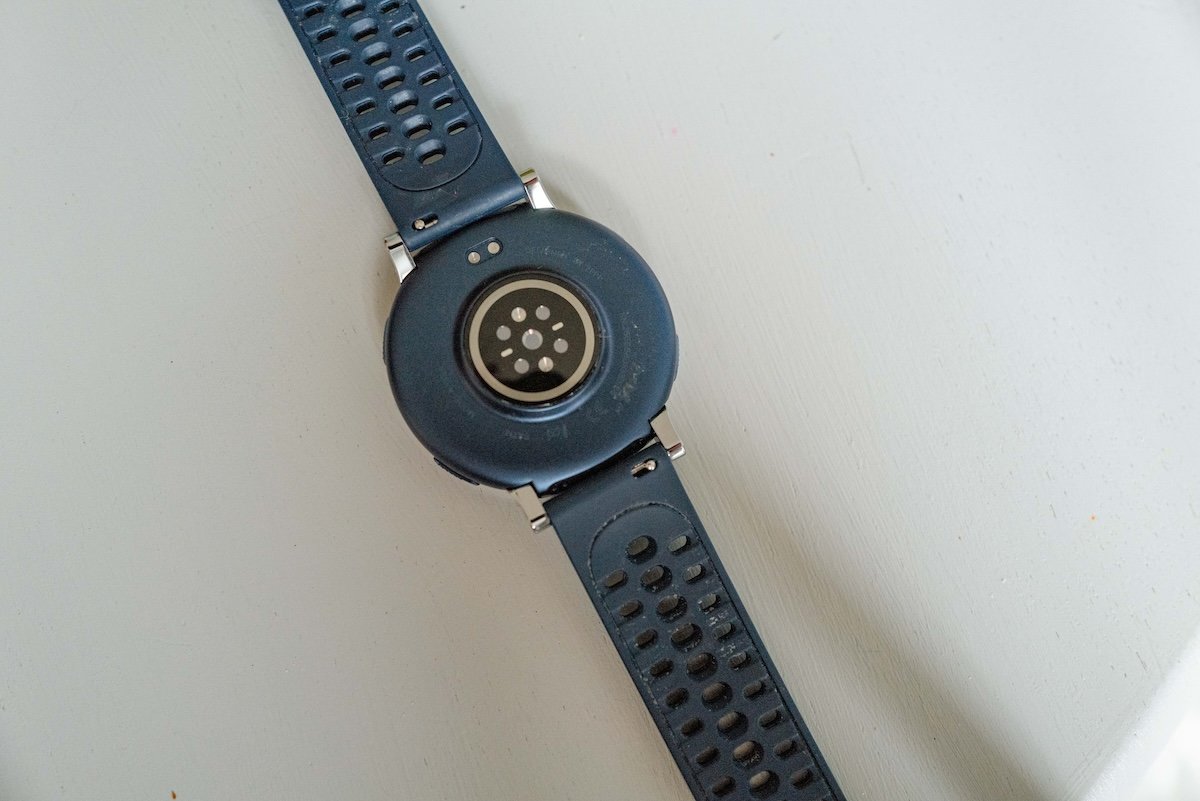 I also compared the sleeping heart rate data from my Oura ring to the Amazfit watch and found them to be comparable as well.
This was a nice surprise to me honestly, I didn’t expect the heart rate tracking in a more budget friendly watch to be as comparable to my more expensive devices.
Maps
Usually only found in higher end watches or more trail focused watches, you will get maps! You can use them offline if needed, which is handy for those outback runs or you can utilize the turn by turn navigation for those city runs to keep going without constantly checking your location.
App Features and Integrations
The phone app took me a little bit of time to get used to. I again was hoping for a bit of a tutorial/walk through as someone completely new to this software design.
There are a wide variety of watch faces both paid and free to choose from, and I liked quite a few of them. I ended up mostly using one of my own photos, similar to what I do on my Apple Watch.
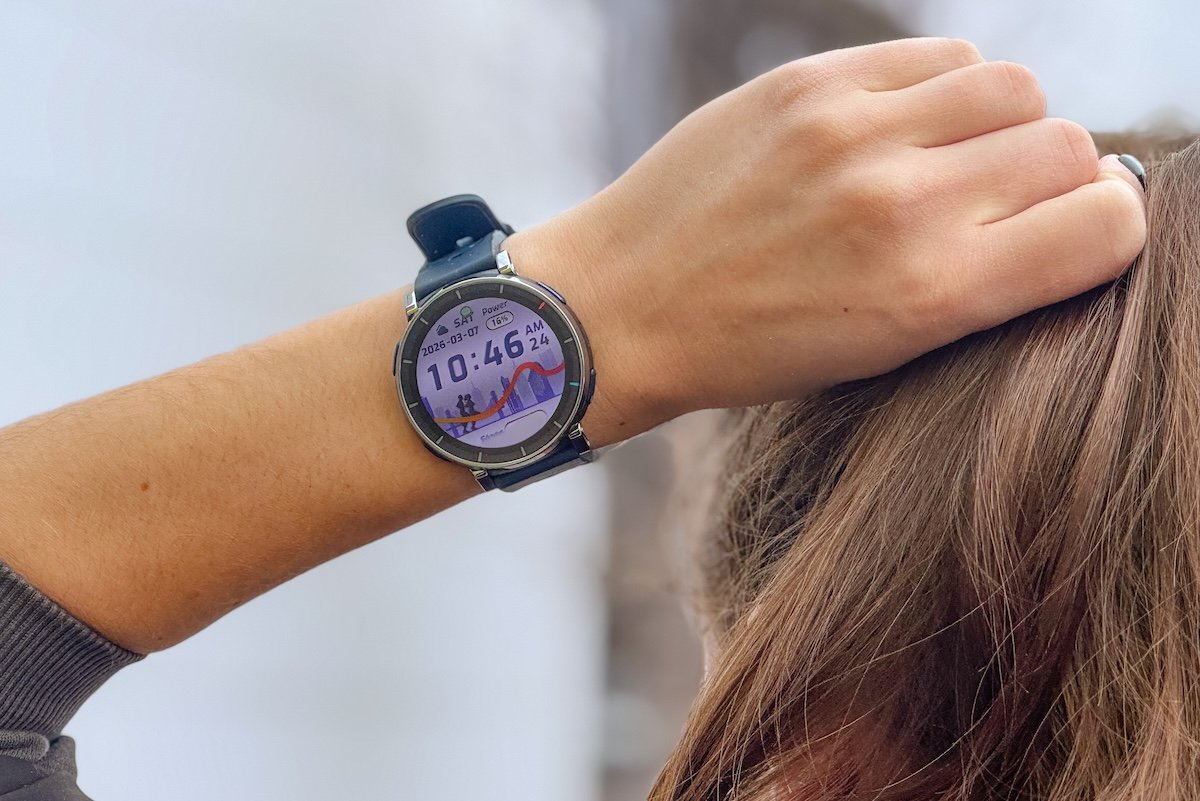 There were a few features I wanted to change that took me a while to hunt and peck to fix.
I wanted to change how a workout is paused/finished and it took me quite a while to sift through the menus to find how I could do that. I also didn’t like the default voice commands which also took me a bit of time to turn off.
As mentioned above, the watch can mirror your phone notifications. One feature that I missed from my Apple Watch was the ability to respond as I’m used to on my watch to a text.
I didn’t love Amazfit’s built in version of Siri (called Zepp Flow) and at times felt like the watch pushes the user to use voice activation, when that is not my preference.
The calling and voice text features are also only available to Android users.
One feature I didn’t like is that on the home app screen it has a section for tracking food and shows the number of calories left that are “available”. There is no way to turn this tracker off, and I personally do not like that it is included at all.
Miscellaneous Features
The watch is equipped with Amazfit’s BioTracker technology which combines data from all day wear to give the user a sort of readiness score and insight to how their rest and activities are affecting their body.
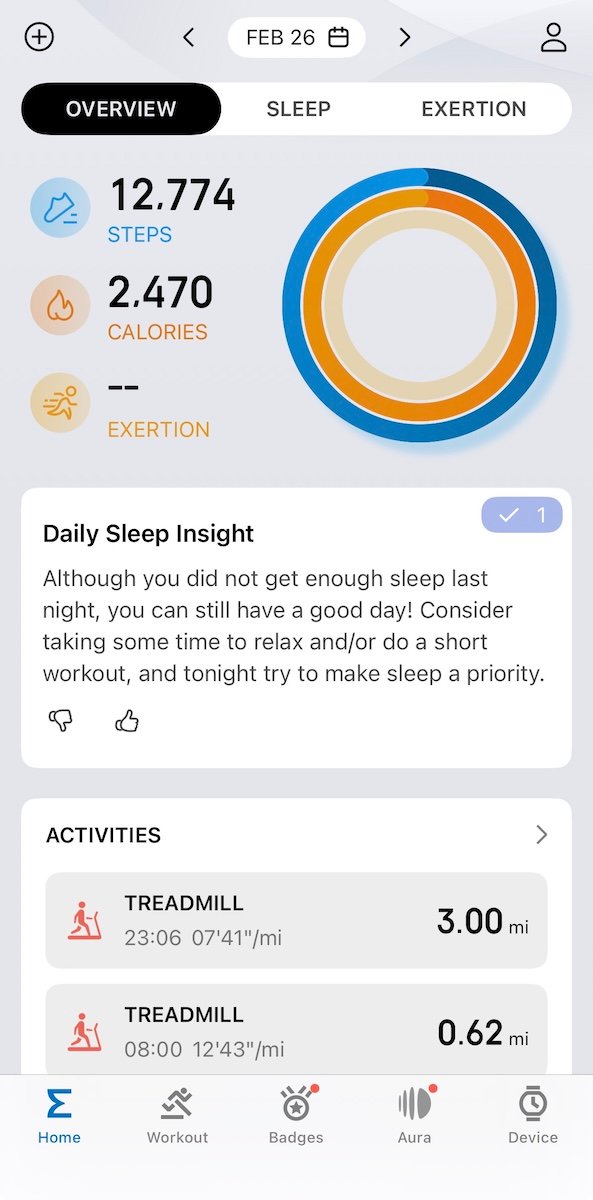 I find this feature similar to why I wear an Oura ring. Each day Amazfit’s built in AI will give a recommendation and insight from the data amassed in the night.
I found the AI feedback to not always be accurate but the baseline data was often consistent to what I saw from my Oura ring.
This technology can be great for someone new to running who doesn’t want to overtrain or who is looking for some data around their sleep quality and how that can affect a change in activity level.
Quick Take Pro’s and Con’s
- Affordable watch chock full of tech!
- Very comfortable to wear
- Beautifully designed
- Accurate data
- Works better on Android phones
- AI heavy
- Learning curve to get used to the software
All right that’s our breakdown of the new Amazfit Active 3! What other questions do you have? Have you tried any of the Amazfit watches yet?
Our Verdict
The Amazfit Active 3 Premium is a great watch for a beginning or aspiring runner looking for accurate data not only on the run but while recovering as well. It’s a gorgeous and comfortable watch to wear both while exercising but also while living daily life for a truly affordable price. As soon as they get better instruction manuals our rating will improve.
Who Tried It?
I’m Katrina, a freelance photographer based in the Twin Cities. I started running during the pandemic when the gyms closed and to try to keep up with my agility dog. I now use running to help my body stay fluid to function in daily life. As a person with fibromyalgia staying in motion is essential for my health, rather than a choice. In addition to running I enjoy lifting, spin classes and yin yoga. Find me on Instagram @katrinagaisford
What to read next?
- 7 Best Running Watches
- Wahoo KICKR Run Treadmill Review | Advanced Training for Everyone
- Garmin Forerunner 570 vs 265 | Do Phone Calls Justify the Price Jump?
The post We Tested the Amazfit Active 3 Premium: Here’s Why New Runners Should Pay Attention appeared first on RunToTheFinish.